Quick Start
Get started with Badge Box in under 5 minutes. This guide walks you through everything you need.
What You Need
Before you start, you'll need:
Nostr Identity
A Nostr public/private key pair. If you don't have one, apps like Damus, Primal, or Amethyst can create one for you. You can also use a browser extension like Alby or nos2x.
Step 1: Open Badge Box
Go to Badge Box in your web browser.
Step 2: Log In
You have two options:
Browser Extension
Recommended. Use Alby or nos2x. Your key stays in the extension.
Private Key
Paste your nsec directly. Cleared when you close the browser.
Step 3: Create or Receive
Now you can:
- Create badges — Go to Creator to make and award badges
- Check inbox — See if anyone has awarded you badges
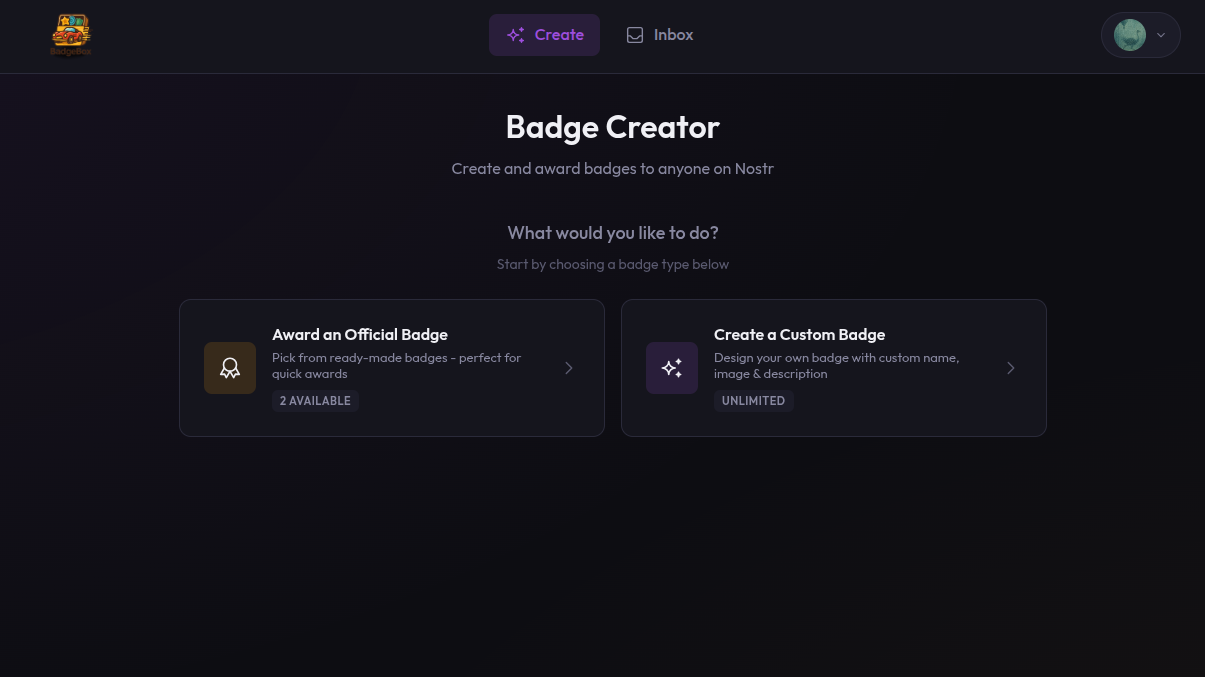
Select your badge type after logging in
1
Create a Badge
Give it a name, description, and image URL.
2
Add Recipients
Enter the Nostr public keys (npub) of people to award.
3
Send It
Click Award. The badge is published to Nostr relays.