Your Inbox
The inbox shows badges others have awarded you. Review them, accept the ones you want, and build your collection.
Inbox Tabs
Your inbox has two sections:
Pending
Badges you've received but haven't accepted yet. They're waiting for your decision.
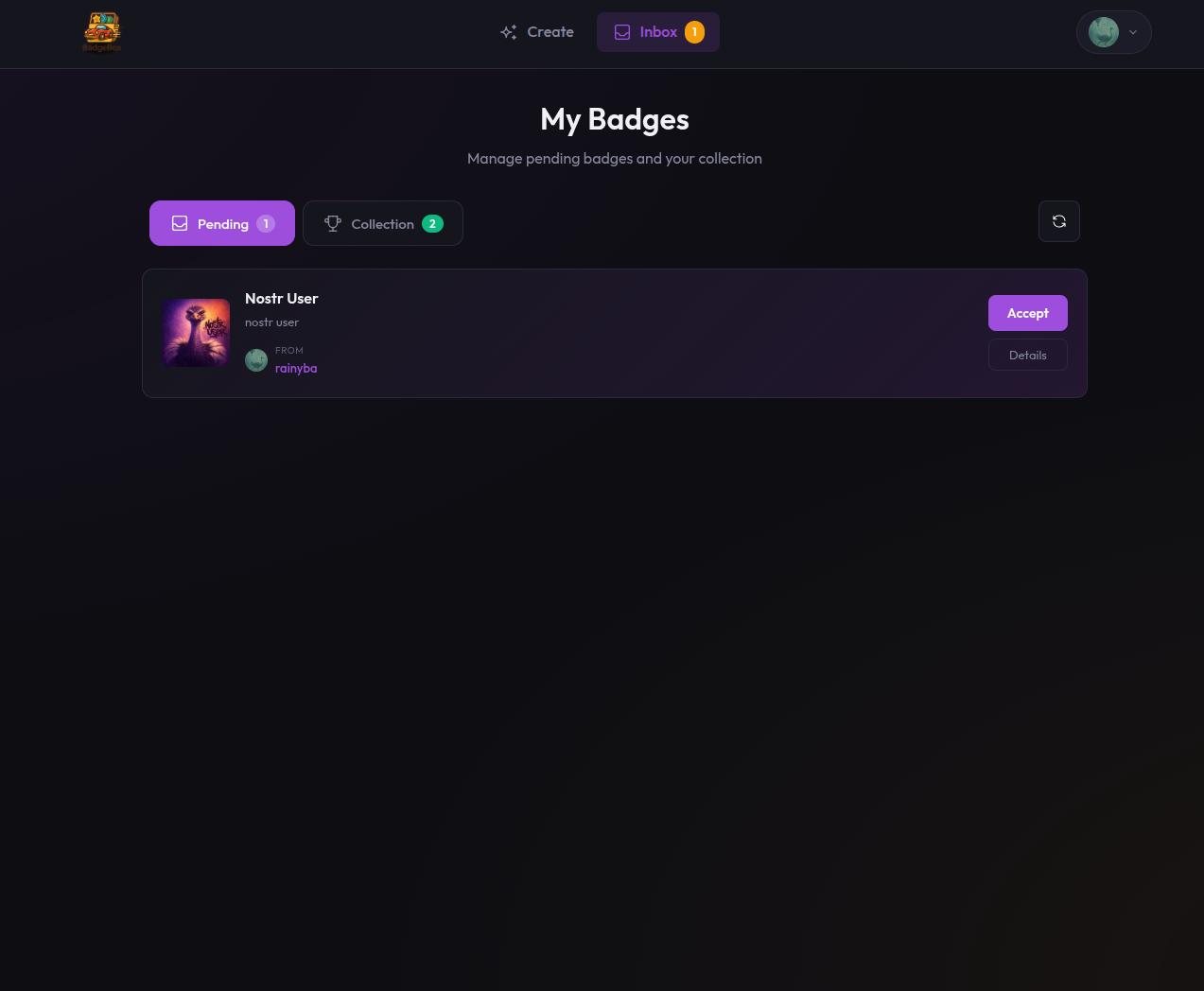
Pending badges waiting for your decision
My Collection
Badges you've accepted. These appear on your public profile.
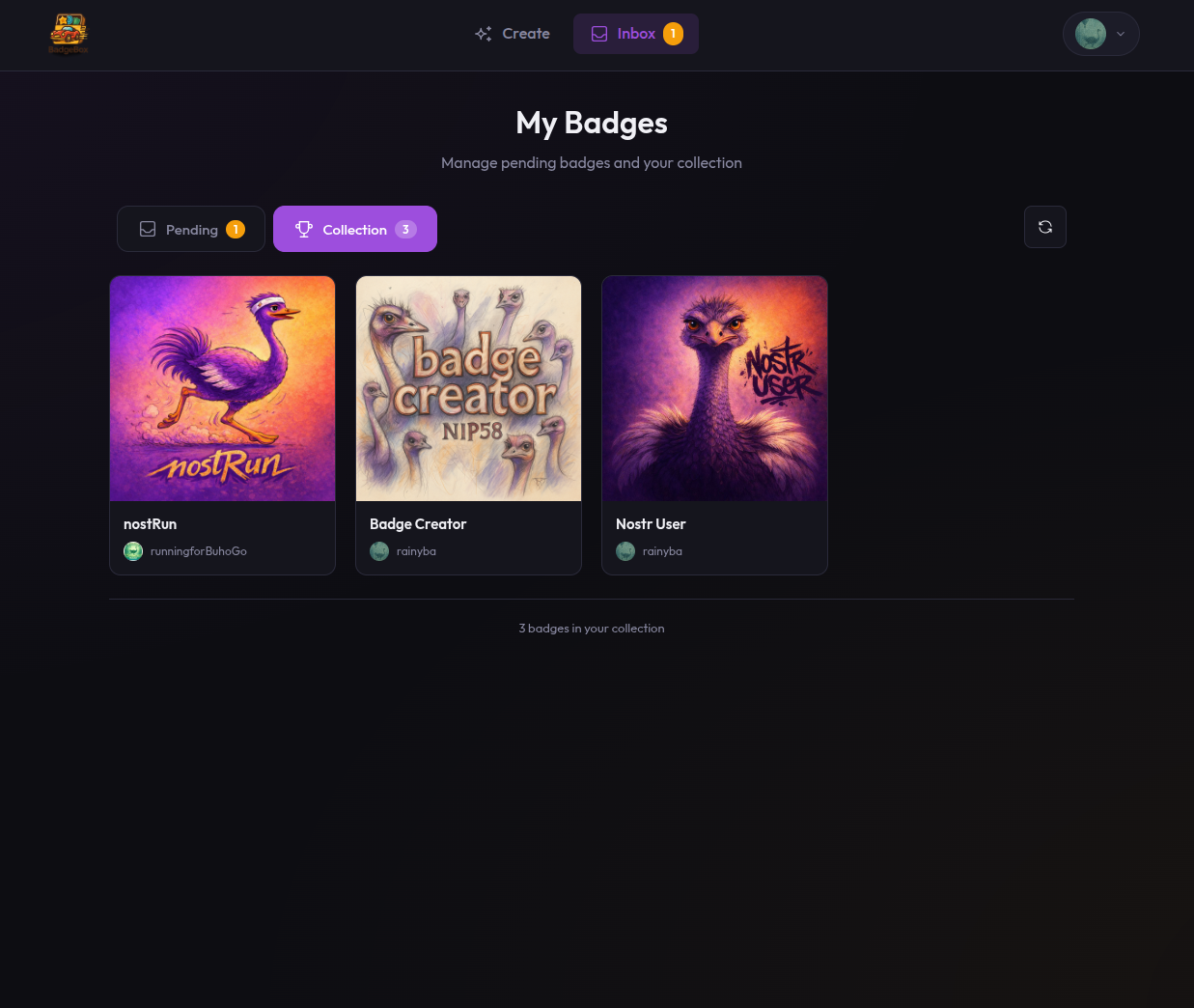
Your badge collection
Checking for Badges
When you open the inbox, Badge Box queries Nostr relays for:
- Award events (kind 8) that include your public key
- Your profile badges event (kind 30008)
This may take a few seconds depending on relay response times.
No Notifications
Nostr doesn't have push notifications. Check your inbox periodically to see new badges.
Badge Information
Each badge in your inbox shows:
- Badge name and image
- Issuer — who awarded it to you
- Description — what the badge represents
- When — approximate time received
What's Next?
From your inbox, you can:
- Accept badges to display on your profile
- View badge details and issuer information
- Check your public profile to see how it looks